Quick answer
What is gym management software and what should it do?
Gym management software is one system that runs the daily work of a gym or fitness centre. It should handle enquiries, member records, membership plans and renewals, GST bills with UPI payment, attendance, trainer and class schedules, and WhatsApp reminders. It should work on mobile, keep data safe and be easy for front desk staff to use.
Key takeaways
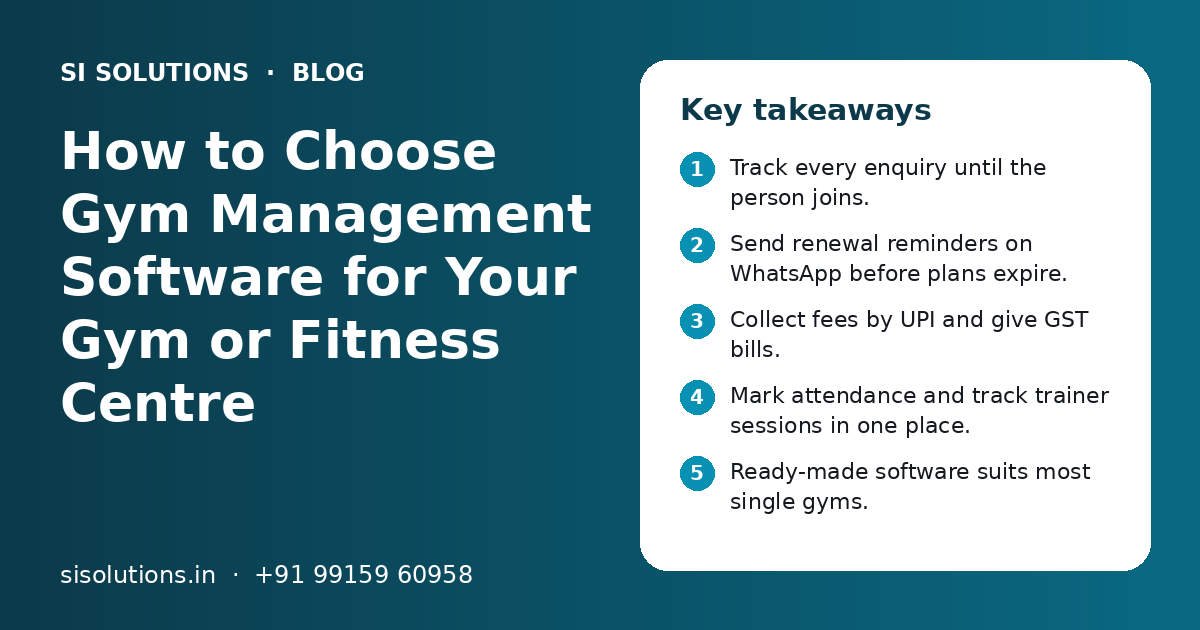
- Track every enquiry until the person joins.
- Send renewal reminders on WhatsApp before plans expire.
- Collect fees by UPI and give GST bills.
- Mark attendance and track trainer sessions in one place.
- Ready-made software suits most single gyms.
- Plan data import and staff training before go-live.
What is gym management software?
Gym management software is a system that stores member, plan and payment data and runs daily front desk work from it. It replaces joining registers, payment notebooks, Excel sheets and reminders sent from personal phones.
A gym is different from a shop. Most income comes from plans that end on a fixed date. If a plan ends and nobody follows up, the member often does not come back. Good software is built around plans, dates and renewals, not just one-time bills.
This applies to single gyms, CrossFit boxes, yoga and Zumba studios, martial arts centres, swimming clubs and gym chains. Our industry specific IT solutions page lists other sectors where we set up ready systems.
Which features should gym management software have?
The core features are enquiry tracking, member profiles, membership plans and renewals, billing with UPI, attendance and WhatsApp reminders. Trainer sessions, class booking, a member app and reports come next. Start with the core, then add the rest.
| Feature | What it does | Why it matters |
|---|---|---|
| Enquiry tracking | Records walk-ins, calls and online leads with follow-up dates | Fewer lost leads after a free trial |
| Member profiles | Stores contact, photo, plan, goals and health notes | One place for all member details |
| Plans and renewals | Monthly, quarterly, yearly and pack plans with end dates | Shows who is due for renewal this week |
| Billing and payments | GST bills, UPI and card payments, part payments, dues | Clear record of who has paid |
| Attendance | Check-in by app, QR code, card or biometric device | Shows who has stopped coming |
| Trainer sessions | Personal training packs, sessions used and trainer schedule | Fair tracking for members and trainers |
| Class booking | Slots for yoga, Zumba or group classes with limits | No overcrowding in popular classes |
| Reports | Collections, renewals, new joins, dues and attendance | Owner sees the business on one screen |
Do not pay for features you will not use. A small gym with no group classes does not need class booking on day one. Studios that sell class slots can also use an online appointment booking system.
How does gym software help with renewals and fee collection?
Gym software shows every plan that will end soon, sends WhatsApp reminders with a UPI payment link, and records the payment against the member. Staff no longer need to check registers to find who is due.
Missed renewals are a common leak in gyms. A member's plan ends, the front desk is busy, and nobody calls. A few weeks later the member has joined another gym or stopped training. Software makes renewals a fixed daily task instead of something staff remember.
- A daily list of plans ending in the next few days
- WhatsApp reminders before and on the end date
- A UPI or payment gateway link inside the reminder
- Automatic GST bill sent after payment
- A list of members with pending dues or part payments
- Freeze and extension rules for members who travel or fall ill
Our WhatsApp marketing solution covers approved message templates and one shared business number. Our payment gateway integration page explains how online payments link to your billing.
How should a gym track attendance and trainer sessions?
Use one check-in method that suits your gym, such as a QR code, a member app or a biometric device, and link it to the member record. Track personal training packs session by session, with the trainer's name on each one.
Member attendance
Attendance data does more than stop entry by expired members. It shows who has stopped coming. A member who has not checked in for two weeks may not renew. A short, friendly message from the trainer can bring them back.
Trainer sessions and staff
Personal training is often sold as packs of sessions. Without a record, disputes start about how many sessions are left. Mark each session in the software. This also helps you calculate trainer incentives fairly. For staff attendance, shifts and salary, our HRM software solution can work alongside the gym system.
- One check-in method that all members can use
- Entry blocked or flagged for expired plans
- Alert for members who have not visited for some time
- Session count for every personal training pack
- Trainer name and date on each session
- Class attendance for group sessions
Ready-made vs custom gym software: which is better?
Ready-made gym software suits most single gyms and studios, because it is quick to start and covers common needs. Custom software makes sense for chains, franchises or gyms with unusual plans, their own member app or links to other systems.
| Point | Ready-made software | Custom software |
|---|---|---|
| Time to start | Short, often days to a few weeks | Longer, as it is built for you |
| Fit to your process | You adjust to the software | Software follows your process |
| Upfront effort | Lower | Higher |
| Branding and member app | Limited or shared app | Your own brand and app |
| Data ownership | Check export rules with the vendor | Data sits on your own server or cloud |
| Best for | Single gyms and small studios | Chains, franchises, special needs |
A common middle path is ready software with a few custom changes, such as your own plan rules or a link to your website. Read our guide on ready-made vs custom software for a wider view.
Need help with your project?
Talk to the SI Solutions team. Free first call, simple advice, clear quote.
What affects the cost of gym management software?
Cost depends mainly on the number of members and branches, the features you need, the check-in hardware, whether you want your own branded app, and the level of support. Ready-made software usually has a yearly or monthly plan, while custom software has a build cost and an upkeep cost.
- Number of branches, members and staff logins
- Core features only, or classes, member app and diet plans too
- Biometric or QR devices and how many entry points you have
- A branded member app on Android and iPhone
- Links to your website, payment gateway, WhatsApp or accounting software
- Importing old member data from registers or sheets
- Training for front desk staff and trainers
- Support hours, updates and data backup
You get a clear quote after a free call, once we know your gym size and the features you need.
How do you set up gym management software, step by step?
Setup has six steps: list your plans and rules, clean your member data, configure the software, connect payments and WhatsApp, train staff, and go live with a short check period. A single gym can move fast if the data is ready.
- 1
List plans and rules
Write down every plan, its length, GST, freeze rules, joining fee and personal training packs.
- 2
Clean member data
Collect names, phone numbers, plan start and end dates and dues from registers and sheets. Remove duplicates.
- 3
Configure the software
Add plans, staff logins, user roles, bill format and branch details.
- 4
Connect payments and WhatsApp
Link UPI or a payment gateway, and set up reminder templates for renewals and dues.
- 5
Set up check-in
Install the QR code, app or biometric device and test it with a few members.
- 6
Train staff and go live
Train the front desk and trainers, then run the new system with close checks for the first few weeks.
Keep the old register for a short time as a backup, then stop using it. Running two systems for too long confuses staff.
What mistakes should gym owners avoid when choosing software?
The biggest mistakes are choosing on the demo alone, skipping data cleaning, and not checking who owns the data. Each one causes trouble later.
- Buying after a short demo without trying daily tasks yourself
- Choosing software your front desk finds hard to use
- Importing messy data with wrong dates and phone numbers
- Not asking how to export your data if you leave
- Ignoring mobile use, when owners and trainers work on phones
- Forgetting about support hours on early mornings and weekends
Which questions should you ask a gym software provider?
Ask about features, setup, data safety, support and total cost before you sign. Clear answers now prevent problems later.
- Can I try the software with my own plans and a few members first?
- Does it give GST bills and accept UPI payments?
- Can it send WhatsApp reminders, and who pays message charges?
- Which check-in devices does it support?
- Can it handle more than one branch later?
- Who imports my old data, and is it included?
- Where is my data stored, and how is it backed up?
- Can I export all my data if I stop using it?
- What support do I get, and at what hours?
Data safety matters because member records hold phone numbers and health notes. Our data backup solution and cloud solutions pages explain how we keep business data safe and available.
How can SI Solutions help your gym?
We set up gym management software with your plans, members, payments, WhatsApp reminders and check-in, train your staff and support you after go-live.
Needs check
We list your plans, rules and daily tasks before choosing features.
Setup and data import
We configure the system and move your member data in.
Payments and reminders
We connect UPI, a payment gateway and WhatsApp templates.
Training and support
We train your team and support you after go-live.
SI Solutions is backed by a parent team with 11+ years of work and 500+ projects, from our office in Mohali, Punjab. If you sell supplements or merchandise at the counter, our POS billing software can work alongside. For lead follow-up from ads and walk-ins, see our lead management software. Book a free call to discuss your gym.
Frequently Asked Questions
Is gym management software worth it for a small gym?
Yes, for most gyms with regular members. Even a small gym loses money when renewals are missed or dues are forgotten. Software shows who is due, sends reminders and records payments, so the front desk spends less time on registers. Start with core features like members, plans, billing and reminders, and add more only when you need them.
Can gym software send WhatsApp renewal reminders?
Most modern gym software can send WhatsApp reminders through the official WhatsApp Business platform. You set templates for renewals, dues and birthdays, and the software sends them on set dates. Message charges from WhatsApp are usually separate from the software fee, so ask the provider how they are billed before you sign.
Which is better for gym attendance, biometric or QR code?
Both work well. Biometric devices are hard to misuse, since a member cannot share a fingerprint, but they need hardware at each entry point. QR check-in through a phone is simple and needs less hardware, but members must carry their phone. Choose based on your entry setup, member habits and budget, and make sure it links to plan expiry.
Can one gym software manage multiple branches?
Many gym systems support more than one branch. Look for branch-wise reports, staff logins limited to their branch, shared or separate plans, and members who can visit any branch if your plans allow it. If you plan to open more branches, check this before you buy, because moving to a new system later takes time and effort.
How long does it take to start using gym management software?
A single gym using ready-made software can often start within days to a few weeks. Most of the time goes into listing plans, cleaning member data and training staff. Custom software or a branded member app takes longer, because it has to be built and tested. Keep a short check period after go-live to fix small issues.
Is member data safe in gym software?
It can be, if the provider uses secure logins, user roles, encrypted connections and regular backups. Limit who can see health notes and payment details. Ask where data is stored, how often it is backed up and how you can export it. Avoid sharing member lists on personal phones or in open WhatsApp groups.
Does gym software work for yoga studios and fitness classes?
Yes. Most gym software supports class-based businesses like yoga, Zumba, dance and martial arts studios. Look for class schedules, slot limits, online booking and class packs, such as a fixed number of sessions in a month. If you only run classes and not open gym hours, these features matter more than biometric check-in.