Quick answer
Shared hosting vs cloud hosting: which one should a business choose?
In the shared hosting vs cloud hosting choice, shared hosting suits small brochure websites with steady, modest traffic, because it is simple and the provider manages the server. Cloud or VPS hosting suits online stores, web apps, CRMs and busy sites that need their own resources, more control and room to grow. Choose based on traffic, software and support.
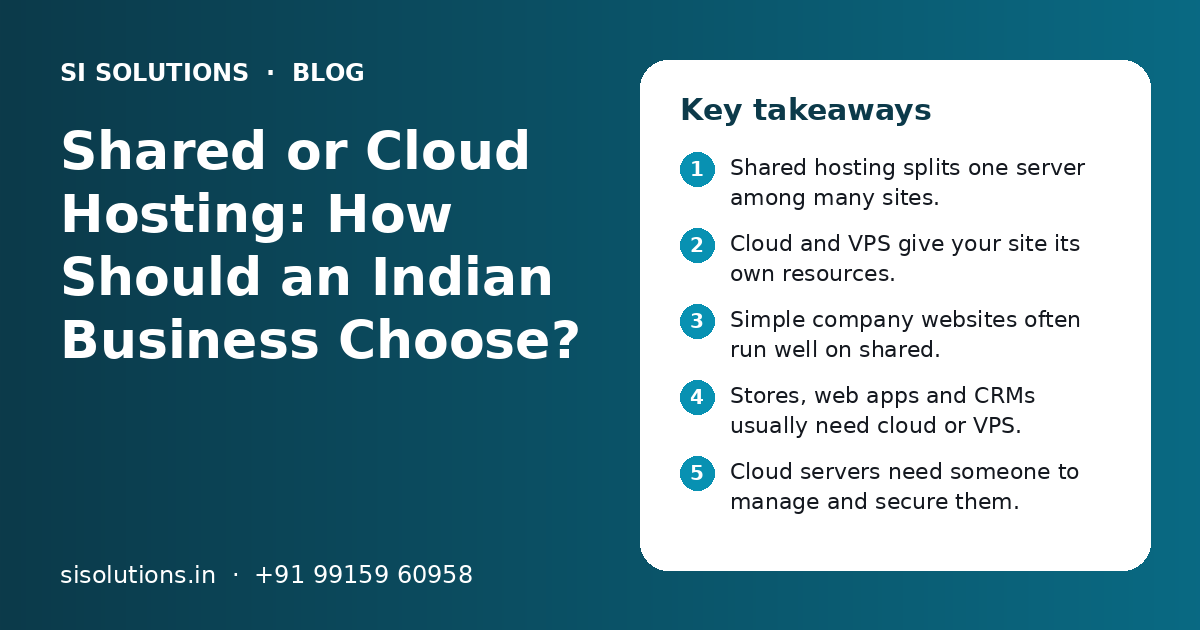
Key takeaways
- Shared hosting splits one server among many sites.
- Cloud and VPS give your site its own resources.
- Simple company websites often run well on shared.
- Stores, web apps and CRMs usually need cloud or VPS.
- Cloud servers need someone to manage and secure them.
- Plan backups and a tested move before you switch.
What is the difference between shared hosting and cloud hosting?
Shared hosting puts many websites on one server, and they all share its memory, processing power and disk. Cloud hosting gives your website or app its own share of resources on virtual servers, which you can usually increase when needed.
In daily talk, people often use "cloud hosting" for both VPS and cloud servers, because both give you your own server space. In this guide, we group them together and compare them with shared hosting. That is the heart of the shared hosting vs cloud hosting question.
Shared hosting vs cloud hosting: how do they compare side by side?
Shared hosting is easier and needs less technical work. Cloud or VPS hosting gives more speed, control and room to grow, but needs proper set-up and regular care.
| Point | Shared hosting | Cloud or VPS hosting |
|---|---|---|
| Resources | Shared with many other sites | Your own share of memory, CPU and disk |
| Speed under load | Can slow down when other sites are busy | More steady, as long as resources match the load |
| Control | Limited to what the control panel allows | Full control of software, settings and versions |
| Scaling | Move to a bigger plan or a new server | Add resources, often with little or no move |
| Server upkeep | Done by the hosting provider | Your team or a managed service must do it |
| Security | Provider protects the server, you protect the site | You or your partner protect the server and the site |
| Skills needed | Basic, through a control panel | Server knowledge, unless the plan is managed |
| Best for | Small company sites, blogs, landing pages | Online stores, web apps, CRMs, busy sites |
Neither option is better in every case. A small clinic or CA firm website can run well on good shared hosting for years. A growing online store or a custom web app will feel the limits of shared hosting much sooner.
When is shared hosting enough for a business website?
Shared hosting is enough when your website is mainly for information, gets steady and modest traffic, and does not run heavy software or store sensitive customer data.
- Your site is a company profile with services, about and contact pages
- Traffic is steady, without large daily or seasonal spikes
- There is no shopping cart, login area or customer dashboard
- The site uses a common platform, such as WordPress, with a few plugins
- Your team does not want to manage a server
- Business email is hosted separately and does not depend on this server
Good shared hosting with a reliable provider, regular backups and an SSL certificate works well for many small businesses in India, such as local shops, coaching centres, consultants and service firms. Our web solutions page explains what a well-built business website includes.
One tip: keep business email apart from the website. If the website server has a problem, your email still works. Our business email hosting page covers this.
When should you choose cloud or VPS hosting?
Choose cloud or VPS hosting when your site sells online, runs a web app, stores customer data, gets traffic spikes or needs software settings that shared hosting does not allow.
- Online stores with many products, payments and order updates
- Web apps such as CRMs, booking systems, dealer portals or school software
- Sites that get spikes from sales, ads, festive offers or results days
- Apps that need a certain software version, background jobs or custom settings
- Systems that connect to other tools through APIs, such as payment gateways or WhatsApp
- Businesses that need to know where their data is stored
For Indian businesses, it also helps to pick a server region close to your users. If most visitors are in India, an India region usually gives faster load times than a server far away. If you sell to the USA or UK too, a content delivery network (CDN) can serve images and files from places closer to each visitor.
Our ecommerce solutions and cloud solutions for small business pages explain how we plan hosting for stores and business software.
What are the signs that you have outgrown shared hosting?
If your site slows down at busy times, shows resource limit errors, or your developer cannot install what the app needs, you have likely outgrown shared hosting.
| Sign | What it usually means | What to check |
|---|---|---|
| Site is slow during sales or ad campaigns | Not enough memory or CPU for the traffic | Speed reports and hosting resource usage |
| "Resource limit reached" or 503 errors | The plan caps your share of the server | Error logs and plan limits |
| Checkout or admin panel is slow | Database work is too heavy for the plan | Database size, slow queries and plugins |
| Developer cannot install a tool or version | Shared servers do not allow custom software | The app's server needs |
| Site goes down often | Server is crowded or not well managed | Uptime records and provider support history |
Before you move, rule out other causes. Large images, too many plugins and old themes can slow a site on any hosting. A website maintenance check can find these first, so you do not pay for a bigger server to fix a problem it will not solve.
Need help with your project?
Talk to the SI Solutions team. Free first call, simple advice, clear quote.
Managed or unmanaged cloud hosting: what is the difference?
With managed cloud hosting, a provider or partner looks after the server for you. With unmanaged hosting, you get the bare server and your own team must set it up, secure it and keep it updated.
Managed cloud hosting
- Server set-up, updates and security handled for you
- Monitoring and help when something breaks
- Backups set up and checked
- Good for teams without a server expert
Unmanaged cloud hosting
- Your team must handle updates and security patches
- No one watches the server unless you set it up
- Mistakes in settings can expose data
- Suits teams with in-house server skills
Many small businesses buy an unmanaged cloud server because it looks simple to start, and then nobody updates it. An unpatched server is a real security risk. If you do not have a person who manages servers, plan for managed hosting or a support partner from the start.
How do you move from shared hosting to cloud hosting safely?
Plan the move, take full backups, set up and test the new server first, then switch the domain at a quiet time. Keep the old hosting active for a short time in case you need to go back.
- 1
List what you have
Note the website files, databases, email accounts, SSL certificates, scheduled jobs and any links to other tools such as payment gateways.
- 2
Take full backups
Back up files and databases, and store a copy outside the old hosting.
- 3
Set up the new server
Choose the region and size, install the needed software, and set up the firewall, SSL and backups.
- 4
Copy and test
Move the site to the new server and test pages, forms, login, checkout and payment flows before going live.
- 5
Switch the domain
Point the domain to the new server at a low-traffic time. Watch for errors for the next few days.
- 6
Close the old hosting
Once everything works and backups run on the new server, cancel the old plan.
Do not forget email. If your email runs on the same shared hosting, moving the domain can break it. Plan email separately. Our data backup solution page explains how to keep regular copies in more than one place.
What affects the cost of shared hosting and cloud hosting?
Cost depends on the resources you need, the type of hosting, how much management is included, backups and security tools, and the support level. We do not quote fixed prices here. You get a clear quote after a free call.
- Server size: memory, CPU and storage
- Traffic and data transfer each month
- Managed or unmanaged service
- Backup storage and how long copies are kept
- Security tools such as firewalls and malware scans
- Extra servers for databases, staging or testing
- Support hours, including help outside office time
- Billing in rupees or dollars, and GST invoices for input tax credit
Look at the full yearly cost, not just the first-year offer. Many plans renew at a higher rate. For cloud servers billed by usage, set alerts so a spike does not cause a surprise bill.
What mistakes should you avoid when choosing hosting?
The common mistakes are buying on price alone, choosing a server nobody will manage, skipping backups and putting email and website on one account without a plan.
- Choosing the cheapest plan for an online store or web app.
- Buying a cloud server with no one to update and secure it.
- Trusting the host's backups alone, without your own copy.
- Keeping hosting login on one employee's personal email.
- Ignoring the server region and where your users are.
Also keep the domain, hosting and billing accounts in the business's name, with logins the owner can recover. This avoids long problems when a staff member or old vendor is no longer around.
How can SI Solutions help you choose and set up hosting?
We look at your site or app, traffic and team, suggest shared, VPS or cloud hosting that fits, and can set it up, move your site and look after it.
Hosting advice
We match hosting to your site type, traffic and growth plans.
Set-up and migration
We set up the server, move your site and test it before going live.
Managed care
We handle updates, backups and monitoring after launch.
Security basics
We set up SSL, firewall rules and user access the right way.
SI Solutions is backed by our parent team, Shivah Web Tech, with 11+ years of work and 500+ projects, from our office in Mohali, Punjab. Office hours are Monday to Friday, 9:30 to 6:30 IST, with 24x7 emergency support for urgent issues. See our wider IT solutions for SMEs, or book a free call to get a clear quote.
Frequently Asked Questions
Which is better for a small business website, shared hosting or cloud hosting?
For a simple company website with a few pages and modest traffic, good shared hosting is usually enough and easier to manage. If the site sells online, has customer logins, runs a web app or gets big traffic spikes, cloud or VPS hosting is a better fit. The right choice depends on what the site does, not just its size.
Is VPS the same as cloud hosting?
Not exactly. A VPS is a virtual server with a fixed share of one physical machine. Cloud hosting runs virtual servers on a large pool of connected hardware, so resources can often be changed more easily. Both give you your own resources and full control, so many people use the two words in the same way.
Can shared hosting handle an ecommerce website?
A very small store with few products and low traffic can start on good shared hosting. As products, orders and traffic grow, checkout and the admin panel often slow down, and resource limits can cause errors during sales. Most growing online stores in India do better on cloud or VPS hosting, set up with backups and security.
Is cloud hosting more secure than shared hosting?
It can be, because your site is separated from other people's sites. But a cloud server is only secure if someone updates it, sets up a firewall, controls access and takes backups. An unmanaged cloud server with no updates can be less safe than good shared hosting. Security depends on how the server is managed.
Will moving to cloud hosting make my website faster?
It often helps if the slowness comes from crowded shared servers or limited resources. It will not fix large images, heavy themes, too many plugins or slow code. Check those first. A speed check shows where the time goes, so you know whether a hosting change or a site clean-up will help more.
How long does it take to move from shared hosting to a cloud server?
A simple website can usually be moved in a short time once the new server is ready. Online stores, web apps and sites with email on the same hosting take longer, because each part must be tested. Plan time for backups, testing and a calm switch, and keep the old hosting active for a short period.
Should I host my business website on a server in India?
If most of your visitors and customers are in India, a server region in India usually gives faster load times for them. It can also help when you need to know where customer data is stored. If you also serve buyers abroad, a content delivery network can speed up pages for visitors in other countries.