Quick answer
What is a visitor management system for offices?
A visitor management system for offices is software that replaces the paper register at reception. Visitors check in on a tablet or their phone using a QR code or OTP, the host gets an alert on WhatsApp, SMS or email, a badge is printed and every visit is saved in a searchable digital log.
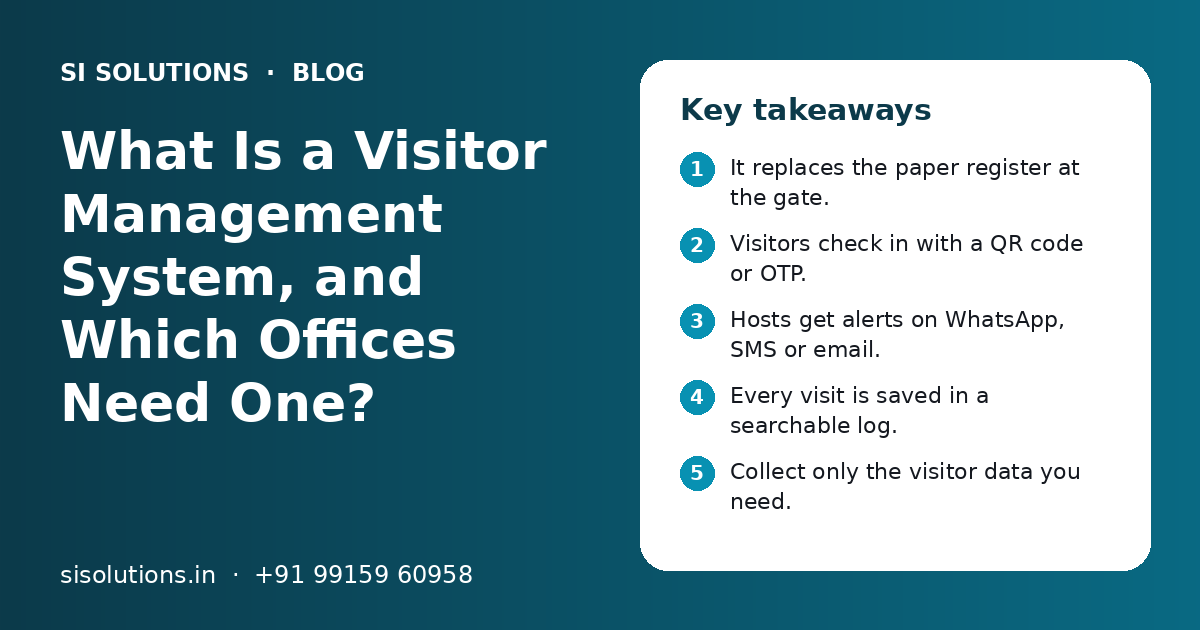
Key takeaways
- It replaces the paper register at the gate.
- Visitors check in with a QR code or OTP.
- Hosts get alerts on WhatsApp, SMS or email.
- Every visit is saved in a searchable log.
- Collect only the visitor data you need.
- Ask vendors how they store and protect data.
What is a visitor management system for offices?
A visitor management system for offices is software that records who comes in, whom they meet and when they leave. It replaces the paper register with a tablet, phone or kiosk at reception.
The idea is simple. A visitor arrives, gives a few details, gets a pass and the person they came to meet is told at once. When they leave, the system records the exit time. The admin team can later search every visit by date, name or host.
It is not only for large companies. Any place that gets regular visitors, vendors, delivery staff or interview candidates can use one. It sits alongside other office tools, much like the items in our IT setup checklist for a new office.
How does a visitor management system work step by step?
The visitor is invited or walks in, checks in on a tablet with a QR code or OTP, gets a badge, and the host is alerted. The exit is recorded and the visit is saved in the log.
- 1
Pre-registration
The host adds the visitor's name, phone number, date and purpose in the system. The visitor gets a message with a QR code or a link.
- 2
Arrival and check-in
At reception, the visitor scans the QR code on a tablet. Walk-in visitors enter their phone number and confirm with an OTP sent by SMS.
- 3
Photo and details
The tablet can take a photo and ask for company name and purpose. Some sites also ask the visitor to accept office rules or a safety note.
- 4
Host alert
The host gets an alert on WhatsApp, SMS or email saying the visitor has arrived. In many systems the host can approve or reject the entry from the alert.
- 5
Badge or e-pass
A printed badge with name, photo, host and date, or a digital pass on the visitor's phone, is issued.
- 6
Check-out
The visitor scans out or the guard marks the exit. The system records the time spent inside.
- 7
Visitor log
Every visit is stored in a digital log that admin staff can search, filter and export when needed.
Pre-registration is what saves the most time. Regular guests, such as clients or auditors, do not wait while the guard makes calls. Walk-ins still work, but with fewer questions at the desk.
Who needs a visitor management system?
Any place where many outsiders come in and you need to know who is inside. Offices, factories, schools, hospitals, housing societies and coworking spaces are the most common users.
Corporate offices
Clients, vendors, interview candidates and couriers. Hosts are alerted at once and reception stays calm.
Factories and warehouses
Contractors, drivers and auditors. Safety rules can be shown before entry, and you know who is on site.
Schools and coaching centres
Parents, guardians and vendors. Staff can check who is allowed to pick up a child. This can link with school management software.
Hospitals and clinics
Patient attendants and visitors during set hours. Passes can be limited by ward or time. See our clinic management software for the patient side.
Housing societies
Guests, maids, drivers and delivery staff. Residents approve entry from their phone.
Coworking spaces
Members invite guests for meetings. Each company sees only its own visitors.
If your gate sees only a few visitors a week, a paper register may still be enough. The need grows when visitor numbers rise, when you have more than one gate or branch, or when you must show visit records to a client or auditor.
Paper visitor register vs digital system: what is the difference?
A paper register is cheap and simple but slow, hard to read and hard to search. A digital system is faster, keeps clean records and alerts hosts on its own.
| Factor | Paper register | Digital visitor system |
|---|---|---|
| Check-in time | Visitor writes by hand, guard calls host | QR or OTP scan, host alerted at once |
| Readable records | Handwriting is often unclear | Typed, clean entries |
| Searching past visits | Turn pages by hand | Search by name, date or host in seconds |
| Visitor photo | Not possible | Taken at check-in |
| Host alert | Phone call from the gate | WhatsApp, SMS or email |
| Who is inside now | Hard to know | Live list on the dashboard |
| Privacy | Anyone at the desk can read past entries | Access only for set staff |
| Many gates or branches | Separate books, no single view | One dashboard for all |
| Running cost | Very low | Software fee, tablet and internet |
The privacy point is often missed. In an open register, every visitor can read the names and phone numbers of everyone who came before. A digital system hides past entries from the next visitor.
Need help with your project?
Talk to the SI Solutions team. Free first call, simple advice, clear quote.
What features should a visitor management system have?
Look for easy check-in, host alerts, badges, a searchable log, user roles and reports. Extra features matter only if they fit your site.
Must-have features
- Pre-registration with QR code or link sent to the visitor
- Walk-in check-in with phone number and OTP
- Visitor photo capture at check-in
- Host alerts on WhatsApp, SMS or email
- Printed badges or digital e-passes
- Check-out and time-inside record
- Searchable visitor log with export to Excel or PDF
- User roles, so only set staff see visitor data
- Works on a normal Android tablet or phone
Useful extras
- Support for Hindi and other Indian languages on the check-in screen
- Blacklist or watch list for people who should not enter
- Safety notes or rules shown before entry
- Multi-gate and multi-branch dashboard
- Links with access control, staff attendance or HRM software
- Offline mode that syncs when the internet comes back
If you want the system to talk to tools you already use, such as an HR app or a door access system, check that the vendor offers an API. Our integration solutions team can connect them.
How should a visitor management system handle data privacy?
Collect only the visitor data you truly need, keep it safe, limit who can see it and delete it after a set time. Ask the vendor clearly how they store and protect it.
A visitor system holds personal data, such as names, phone numbers and photos. Some sites also ask for ID details. The more you collect, the more you must protect.
- Ask only for what you need, such as name, phone, company and purpose
- Avoid storing full ID card numbers unless a rule or client truly requires it
- Tell visitors why you collect their data, with a short note on the check-in screen
- Give access only to reception, security and admin staff who need it
- Set how long records are kept and delete old ones on schedule
- Use strong passwords and remove access when staff leave
Questions to ask the vendor
- Where is visitor data stored, and in which country?
- Is data protected when it is sent and when it is stored?
- Can we set our own time to delete old records?
- Can we export our data if we stop using the system?
- Who on your side can see our visitor data?
What affects the cost of a visitor management system?
Cost depends on the number of gates and branches, monthly visitor volume, the hardware you need, the alert channels you use and any custom links with other systems.
| Cost factor | Why it matters |
|---|---|
| Number of gates or branches | Each entry point may need its own tablet and setup |
| Visitor volume | Some plans are priced by visits or users |
| Hardware | Tablets, stands, badge printers and QR scanners add to the cost |
| Alert channels | WhatsApp and SMS messages often have per-message charges |
| Cloud or on-premise | Cloud usually means a yearly or monthly fee; on-premise means your own server |
| Custom features | Special workflows, languages or approvals take extra work |
| Integrations | Links with HR, attendance or access control systems add setup effort |
| Support and training | Support level after go-live and staff training |
Most offices choose a cloud setup, so there is no server to manage. Our cloud solutions page explains what that means for small teams. You get a clear quote after a free call, based on your sites, visitors and features.
How do you set up a visitor management system?
List your needs, pick the system, set up hardware and hosts, train reception staff, run a short trial and then go live at all gates.
- 1
List your visitor types
Note who comes in: clients, vendors, candidates, couriers, contractors. Each type may need different details.
- 2
Decide what data to collect
Keep the form short. Fewer fields mean faster check-in and less data to protect.
- 3
Choose the system
Compare features, data handling and support. Ask for a demo on your own tablet.
- 4
Set up hardware
Fix the tablet stand at reception, connect the badge printer and check Wi-Fi or mobile data at the gate.
- 5
Add hosts and staff
Upload the employee list with phone numbers and set who gets alerts and who can see the log.
- 6
Train reception and security
Show them check-in, walk-ins, check-out and what to do if the internet is down.
- 7
Run a trial
Use the system at one gate for a short time. Fix any steps that confuse visitors.
- 8
Go live and review
Start at all gates. Check the log each week at first to make sure check-outs are recorded.
Keep the paper register for a few days as a backup during the trial. Remove it once staff are confident.
How can SI Solutions help with visitor management?
We help you choose or build a visitor system that fits your gates, visitors and existing tools, set it up and train your team.
Some offices need a ready-made app. Others need custom flows, such as contractor safety checks at a factory or resident approvals in a society. Our software solutions team works on both, and can add WhatsApp alerts through the same tools used in our WhatsApp marketing solution.
SI Solutions is backed by Shivah Web Tech, with 11+ years of experience, a 25+ in-house team and 500+ projects, from our office in Mohali, Punjab. You get a clear quote after a free call. Book a free call to discuss your needs.
Frequently Asked Questions
What is a visitor management system in simple words?
It is software that replaces the paper visitor register. Visitors check in on a tablet or their phone, the person they came to meet gets an alert, a pass is issued and the visit is saved in a digital log. Admin staff can later search who came, when they came and whom they met.
Is a visitor management system worth it for a small office?
It depends on how many visitors you get. If only a few people come each week, a paper register may be enough. If you get daily clients, vendors, couriers and candidates, or you have more than one gate or branch, a digital system saves reception time and gives you clean records you can search.
How does QR code check-in work for visitors?
The host pre-registers the visitor, and the system sends the visitor a QR code by WhatsApp, SMS or email. At reception, the visitor shows the code to the tablet camera. The system finds their details, checks them in and alerts the host. Walk-in visitors can enter their phone number and confirm with an OTP instead.
Can a visitor management system send alerts on WhatsApp?
Many systems can send host alerts and visitor passes on WhatsApp, as well as by SMS or email. WhatsApp alerts usually work through the WhatsApp Business Platform and may have per-message charges. Ask the vendor which channels they support and how those messages are billed before you decide.
Does a visitor management system work without internet?
Some systems have an offline mode. They save check-ins on the tablet and sync them when the connection returns. Host alerts may be delayed during that time. If your gate has weak Wi-Fi or mobile signal, ask the vendor about offline support and keep a simple backup plan for reception staff.
What visitor data should we collect?
Collect only what you need for safety and records, usually name, phone number, company, purpose of visit and host name. A photo is common. Avoid storing full ID numbers unless you truly must. A shorter form means faster check-in and less personal data to protect under India's data protection rules.
Can one system manage visitors across many branches?
Yes, many systems support several gates and branches with one central dashboard. Each location has its own tablet and staff, while head office can see visit logs across all sites. Check how user roles work, so branch staff see only their own visitors and head office sees everything it needs.
Is a visitor management system useful for housing societies?
Yes. Societies use visitor apps to record guests, delivery staff, maids and drivers. The guard enters the visitor at the gate and the resident approves entry from their phone. Regular staff can get repeat passes. This keeps a clear record of who entered the society and when.