Quick answer
Which is better for a small business, Google Workspace or Microsoft 365?
In the Google Workspace vs Microsoft 365 for small business choice, Google Workspace suits teams that work mostly in the browser and on phones. Microsoft 365 suits teams that depend on Word, Excel and Outlook on desktop computers. Both give domain email, storage, meetings and admin control, so pick the one that matches your daily work.
Key takeaways
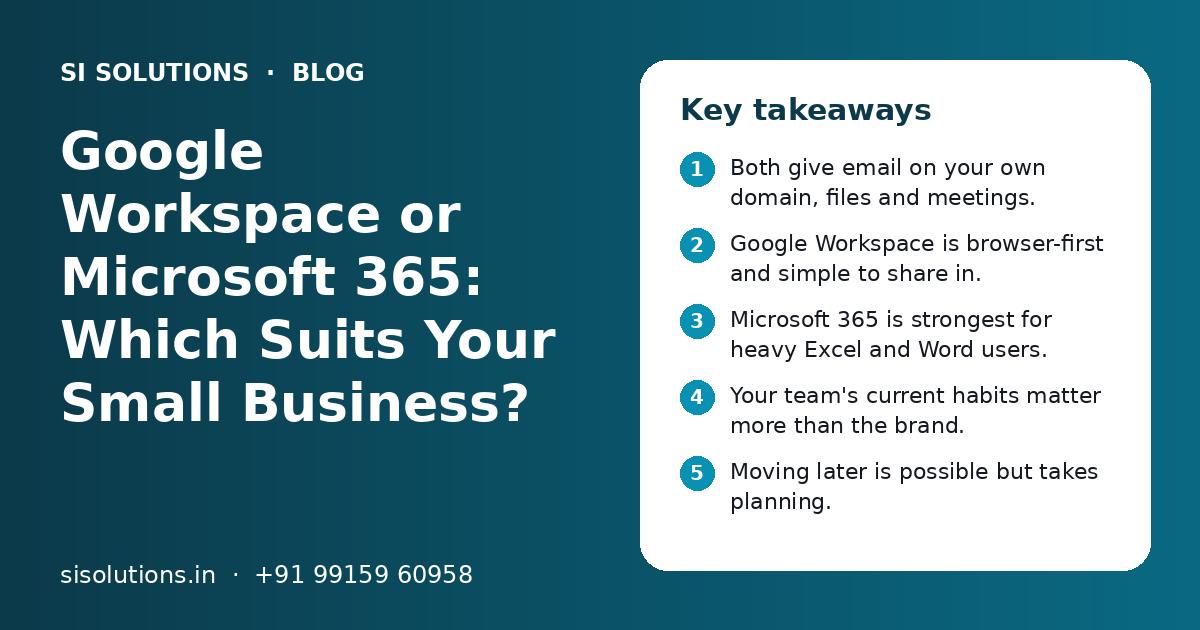
- Both give email on your own domain, files and meetings.
- Google Workspace is browser-first and simple to share in.
- Microsoft 365 is strongest for heavy Excel and Word users.
- Your team's current habits matter more than the brand.
- Moving later is possible but takes planning.
- Set up DNS, security and backups the right way from day one.
What are Google Workspace and Microsoft 365?
Google Workspace and Microsoft 365 are online office suites. Each one bundles business email, calendars, documents, spreadsheets, file storage, chat and video meetings under one login for each staff member.
Google Workspace includes Gmail, Google Calendar, Google Drive, Docs, Sheets, Slides, Forms, Meet and Chat. Microsoft 365 includes Outlook, Word, Excel, PowerPoint, OneDrive, SharePoint and Teams. Both run in the cloud, so staff can work from the office, from home or on their phones.
If you are still deciding whether cloud tools fit your business at all, read our guide on on-premise vs cloud software first.
Google Workspace vs Microsoft 365: how do they compare side by side?
Both cover the same basic needs. The main difference is style: Google Workspace is built around the browser and live sharing, while Microsoft 365 is built around the familiar Office apps.
| Point | Google Workspace | Microsoft 365 |
|---|---|---|
| Email app | Gmail on web and mobile | Outlook on desktop, web and mobile |
| Documents and sheets | Docs, Sheets, Slides | Word, Excel, PowerPoint |
| Main way of working | In the browser | Desktop apps, web and mobile |
| File storage | Google Drive and shared drives | OneDrive and SharePoint |
| Chat and meetings | Google Chat and Google Meet | Microsoft Teams |
| Live co-editing | Yes, built into every file | Yes, for files saved in OneDrive or SharePoint |
| Admin panel | Google Admin console | Microsoft 365 admin center |
| Feels natural for | Teams used to Gmail and Android phones | Teams used to Windows, Excel and Outlook |
Neither option wins on every point. Features and plans change from time to time, so always check the current plan details with the provider before you buy.
Which gives better business email: Gmail or Outlook?
Both give reliable email on your own domain, such as name@yourcompany.com, with spam filtering and mobile apps. Gmail feels simpler and faster in a browser. Outlook gives more control for people who manage a lot of mail on a desktop.
Gmail in Google Workspace
Gmail uses labels and a strong search, so finding an old invoice or quote is quick. Most Indian staff already know Gmail from personal use, so there is very little training. It works well on Android and iPhone.
Outlook in Microsoft 365
Outlook uses folders and rules, and many accounts teams and older staff are used to it. It handles shared mailboxes, calendars and meeting invites in a way that feels familiar to people who came from corporate jobs.
Our business email hosting page explains domain setup, spam protection and moving old mail.
Docs and Sheets vs Word and Excel: which is better for your team?
If your team builds complex Excel sheets, uses macros or shares Word files with large clients, Microsoft 365 is the safer fit. If your team mostly writes simple documents and shares sheets for live updates, Google Workspace is easier.
Many Indian businesses run on Excel. Stock sheets, GST working files, MIS reports and pricing sheets are often built in Excel over many years. Google Sheets can open these files, but complex formulas, macros and formatting may not behave the same way. Test your most important files before you decide.
Google Docs and Sheets are good when
- Many people edit the same sheet at the same time
- Staff work from phones or shared computers
- You want simple sharing with a link
- Forms feed answers straight into a sheet
Word and Excel are better when
- You use heavy formulas, pivot tables or macros
- Clients and auditors send and expect Office files
- Staff prefer working in desktop apps
- Your reports and templates are already in Excel
Both suites let you open and edit the other's file types to some degree, so you are not locked out of files people send you.
How do storage and file sharing compare?
Google Workspace stores files in Google Drive, with shared drives for team folders. Microsoft 365 uses OneDrive for personal files and SharePoint for team sites and shared folders. Both let you share files inside and outside the company with control over who can view or edit.
The main difference is how the folders feel. Google Drive is simple: one search box, folders and links. SharePoint is more powerful for structured team sites, but it needs more planning to set up well.
- Create team folders by department, not by person
- Keep company files in shared team folders, not personal drives
- Give view access by default and edit access only where needed
- Turn off public link sharing for sensitive folders
- Decide who owns each folder and who can add people
- Plan a separate backup, even though both keep version history
Storage space depends on the plan you buy. For larger file systems with approvals and search, see our document management solution. For extra safety copies of mail and files, see our backup solution.
Need help with your project?
Talk to the SI Solutions team. Free first call, simple advice, clear quote.
Google Meet and Chat vs Microsoft Teams: which is better for teamwork?
Microsoft Teams is a full workspace where chat, channels, meetings and files live together. Google Meet and Google Chat are lighter and simpler, and they open quickly from Gmail and Calendar.
| Need | Google Workspace | Microsoft 365 |
|---|---|---|
| Quick video call with a client | Meet link from Calendar or Gmail | Teams meeting link from Outlook or Teams |
| Team chat | Google Chat spaces | Teams channels and chats |
| Files inside a team space | Linked from Drive | Stored in the team's SharePoint site |
| Learning effort for staff | Low | Medium, as Teams has more features |
Which is easier to manage for a small business admin?
Google Workspace is usually easier for a business without a full-time IT person. Microsoft 365 gives more detailed controls, which suit businesses with an IT team or a support partner.
Both admin panels let you add and remove users, reset passwords, turn on 2-step verification, manage groups and recover a mailbox when a staff member leaves. These basics matter more than any advanced feature.
- 1
Turn on 2-step verification
Make it compulsory for every user, starting with the owner and accounts team.
- 2
Use groups for shared addresses
Create sales@ or accounts@ as groups or shared mailboxes, not as extra paid users where you can avoid it.
- 3
Keep two admin accounts
Give admin rights to the owner and one trusted person or partner, never to every manager.
- 4
Write an exit process
When someone leaves, block their login, move their mail and files to a manager and change shared passwords.
- 5
Review access every few months
Remove old users and check who can share files outside the company.
Our IT solutions team can act as your admin partner if you do not have in-house IT staff.
Which one fits which kind of business?
Choose Google Workspace if your team is mobile, browser-based and shares a lot of live files. Choose Microsoft 365 if your team lives in Excel, Word and Outlook, or your clients expect Office files.
| Type of business | Often a better fit | Why |
|---|---|---|
| Startup or small agency | Google Workspace | Fast setup, easy sharing, staff already know Gmail |
| Retail shop or field sales team | Google Workspace | Works well on phones and shared devices |
| CA firm or accounts-heavy office | Microsoft 365 | Heavy Excel work and Office files from clients |
| Manufacturer or exporter with large buyers | Microsoft 365 | Many corporate buyers use Outlook and Teams |
| School or coaching institute | Either | Depends on what teachers and staff already use |
| Mixed team | Either, with clear rules | Pick one main suite and set file rules |
These are common patterns, not fixed rules. Ask your team what they use every day, and test both with a few real tasks before you decide. A good choice also depends on the other software you run, such as your CRM solutions and billing tools, and how they connect through integration solutions.
How do you move to Google Workspace or Microsoft 365 safely?
Plan the move in steps: create users, copy old mail and files, then switch the domain's mail records at a quiet time. Done in this order, staff do not lose mail during the switch.
- List every user, shared address and alias you use today
- Check who controls your domain login and DNS settings
- Create user accounts and groups in the new suite
- Copy old mail, contacts and calendars using the provider's import tools
- Move shared files into team folders with the right access
- Change the MX and other DNS records at a low-traffic time
- Set up phones and computers for each staff member
- Keep the old system available for a short time as a fallback
Our guides on switching to new business software and the IT setup checklist for a new office cover the wider planning.
How can SI Solutions help you choose and set up the right suite?
We look at how your team works, help you pick Google Workspace or Microsoft 365, and then set up domain email, users, security, file folders and migration.
Fit check
We review your files, devices and daily work to suggest the right suite.
Setup and DNS
We create users, groups and mail records, including SPF, DKIM and DMARC.
Migration
We move old mail, contacts and files with a clear switch-over plan.
Support
We help with new users, exits, access reviews and urgent issues.
SI Solutions is powered by Shivah Web Tech, with 11+ years of experience and 500+ projects by our parent team, from our office in Mohali, Punjab. Licence fees are paid to Google or Microsoft as per their current plans. For setup and migration, cost depends on the number of users, the amount of old mail and files, and the support you need, so you get a clear quote after a free call. See our cloud solutions or book a free call.
Frequently Asked Questions
Is Google Workspace or Microsoft 365 cheaper for a small business?
Both charge a fee per user, and the amount depends on the plan you pick and the features you need. Plans and prices change from time to time, so check the current details on each provider's site. The bigger cost question is often setup, migration and support. For those, you get a clear quote after a free call.
Can I use Excel files if my business uses Google Workspace?
Yes. Google Sheets can open and edit Excel files, and you can download sheets in Excel format. Simple sheets usually work well. Complex sheets with macros, special formulas or heavy formatting may not behave the same way. Test your most important files first. If your business depends on such sheets, Microsoft 365 may be the better choice.
Can I use Gmail with Microsoft 365, or Outlook with Google Workspace?
You can use the Outlook app to read Google Workspace mail, and some people do this out of habit. Mixing tools in this way works, but it can add setup steps and support work. For a small business, it is usually simpler to use each suite's own email app, so calendars, contacts and sharing work smoothly together.
Can I switch from Google Workspace to Microsoft 365 later?
Yes, you can switch in either direction. Mail, contacts, calendars and files can be moved with the right tools and planning. It takes time and needs care with domain records, so staff do not miss mail during the change. It is better to choose carefully at the start, but you are not locked in forever.
Do I need my own domain to use Google Workspace or Microsoft 365?
To get email like name@yourcompany.com, you need your own domain. If you do not have one, you can buy it from a domain registrar and then connect it to the suite you choose. Make sure the domain is registered in the business name and that the owner keeps the login details safe.
Which is more secure, Google Workspace or Microsoft 365?
Both are run by large companies with strong security and offer 2-step verification, spam filtering and admin controls. In practice, most problems come from weak passwords, shared logins, staff who leave without their access being removed, and public file links. Good setup and simple rules matter more than the brand you pick.
How long does it take to set up Google Workspace or Microsoft 365?
A small team with new accounts can often be set up within a short time once the domain records are ready. Moving years of old mail and many shared files takes longer, and the switch is best planned for a quiet day. The timeline depends on the number of users and how much data needs to be moved.