Quick answer
Which is better for a small business, on-premise or cloud software?
In the on-premise vs cloud software for small business choice, cloud software suits teams that want phone access, automatic backups and no server to manage. On-premise software suits businesses with weak internet or strict control needs, and an IT person to run it. Many small businesses now choose cloud, or a mix of both.
Key takeaways
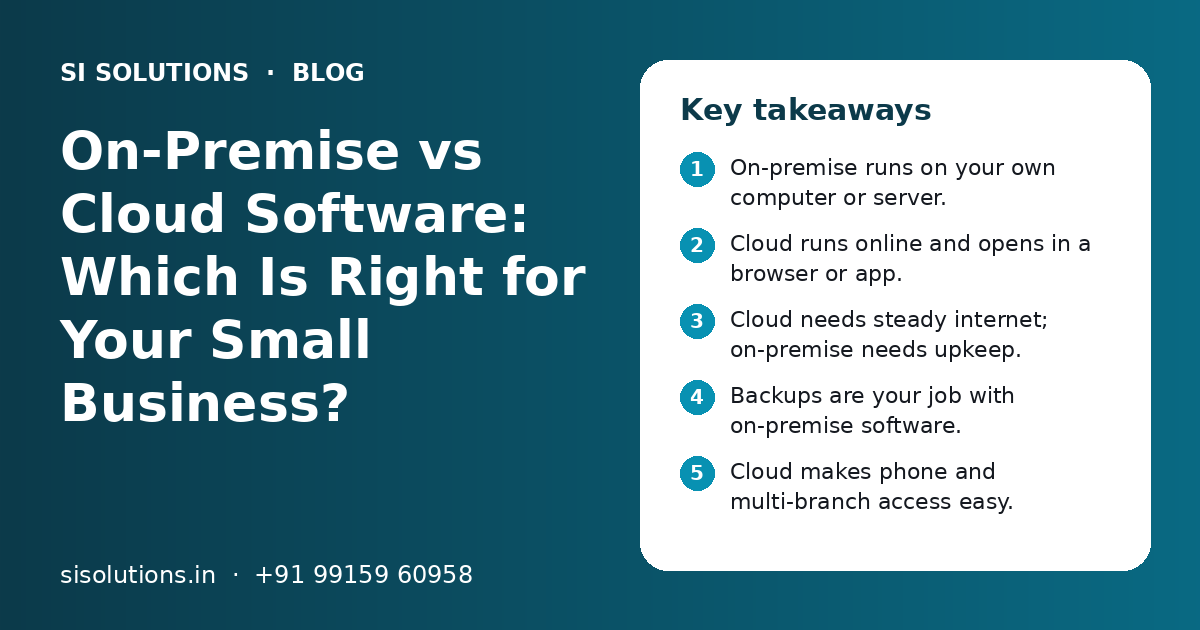
- On-premise runs on your own computer or server.
- Cloud runs online and opens in a browser or app.
- Cloud needs steady internet; on-premise needs upkeep.
- Backups are your job with on-premise software.
- Cloud makes phone and multi-branch access easy.
- A hybrid setup can give you some of both.
What is the difference between on-premise and cloud software?
On-premise software is installed on a computer or server in your office, and your team runs it. Cloud software runs on the provider's servers, and you open it through a browser or mobile app.
Older desktop billing and accounts tools are a common example of on-premise software. Online billing, CRM and HR apps are examples of cloud software. This guide is about the business software you use every day. If you want to compare website hosting plans instead, see our post on shared hosting vs cloud hosting.
On-premise vs cloud software: how do they compare side by side?
Cloud software is easier to start, reach and maintain. On-premise software gives more direct control and works without the internet, but your team must care for it.
| Point | On-premise software | Cloud software |
|---|---|---|
| Where data is stored | On your office computer or server | On the provider's servers |
| Internet needed | Not for daily work in one office | Yes, for most features |
| Access from phone or home | Hard; needs remote access setup | Easy, through browser or app |
| Backups | Your team must take and test them | Usually done by the provider |
| Upgrades | Installed by you, often paid separately | Rolled out by the provider |
| Hardware | You buy and maintain it | No server needed at your office |
| Cost pattern | Larger cost at the start | Regular monthly or yearly fee |
| Many branches | Needs syncing or a central server | All branches use one live system |
| Best for | One office, weak internet, strict control | Mobile teams, many users, many branches |
Neither option wins every time. A single shop with poor internet may do well with on-premise billing. A growing distributor with sales staff on the road will usually find cloud software easier.
What affects the cost of on-premise and cloud software?
The cost depends on how you pay, the hardware you need and the support you use. On-premise usually costs more at the start. Cloud spreads the cost out as a regular fee.
Cost factors for on-premise software
- Licence fee, often one-time, with extra fees for more users
- A good computer or server, UPS and storage for backups
- Yearly support or AMC, and paid upgrades to new versions
- Time of an IT person to install, fix and back up the system
Cost factors for cloud software
- Monthly or yearly plan fee, often per user or per branch
- Higher plans for extra features, storage or integrations
- A steady internet connection, and a backup connection if possible
- One-time setup, data move and training
Compare the total cost over a few years, not just the first bill. Our post on software AMC cost factors explains what ongoing support usually covers. You get a clear quote after a free call.
Who controls your data in on-premise vs cloud software?
With on-premise software, the data sits on your machine and you control it fully. With cloud software, the provider stores it, so your control depends on the contract, access settings and export options.
Some owners feel safer when data is in the office. But data in the office is only safe if the computer is protected, backed up and locked. A stolen laptop, a virus or a failed hard disk can wipe out years of records.
- Can you export all your data in a common format at any time?
- Where are the provider's servers, and is your data kept in India if you need that?
- Who at the provider can see your data, and how is access logged?
- Can you set user roles, so staff see only what they need?
- What happens to your data if you stop the plan?
Ask these questions in writing before you sign. Our list of questions to ask before buying business software covers more points.
What happens when the internet goes down?
On-premise software keeps working in the office without internet. Most cloud software stops or works in a limited way until the connection comes back.
This is the biggest worry for many Indian shops and factories, especially in areas with frequent cuts. Before you choose cloud software, check two things. First, how steady is your internet during working hours? Second, does the software have an offline mode?
- Keep a second connection, such as a mobile hotspot or a second broadband line
- Ask if the billing app can save bills offline and sync later
- Keep a UPS for the router as well as the computer
- Plan a simple manual backup process for busy hours
Some modern POS and billing solutions can bill offline and sync when the internet returns, which gives you some of the best of both.
Need help with your project?
Talk to the SI Solutions team. Free first call, simple advice, clear quote.
How are backups and upgrades handled in each option?
In cloud software, the provider usually handles server backups and upgrades. In on-premise software, both are your job, and they are often skipped until something breaks.
Backups
With on-premise software, set up daily automatic backups to a second place, such as an external drive and a cloud folder. Test a restore every few months. A backup you have never restored may not work. Even with cloud software, keep your own regular export of key data. Our backup solution sets this up for both cases.
Upgrades
Cloud software gets new features and fixes without any work from you. The downside is that screens can change without warning. On-premise software stays the same until you upgrade. That feels stable, but old versions may miss security fixes and new rules.
Which option works better for GST billing and phone access?
Both options can handle GST billing if the software is kept up to date. Cloud software makes it easier to bill, check stock and see reports from a phone or another branch.
GST rules and formats change over time. With cloud software, the provider usually updates the system for everyone. With on-premise software, you must install each update. If your business needs e-invoices or e-way bills, check that the software supports them and how they connect to the government portals.
Phone access is where cloud software is strongest. An owner can see today's sales from home. A salesperson can create an order at a dealer's shop. A branch manager can check stock in the main warehouse. With on-premise software, this needs remote desktop tools or a VPN, which is slower and needs care to stay secure. Our inventory solution and ERP solution pages show how live access helps day to day.
When should a small business choose on-premise, cloud or hybrid?
Choose on-premise for one location, weak internet and strict control needs. Choose cloud for mobile teams, many branches and less IT work. Choose hybrid when you need both.
| Choose on-premise if | Choose cloud if |
|---|---|
| You work from one office or one shop | You need access from phone, home or many branches |
| Internet in your area is not steady | You do not want to manage a server or backups |
| You must keep data inside your premises | Your team is growing and users change often |
| You have an IT person or a reliable support partner | You want updates and new features without installs |
Hybrid setups need good integration. Our integration solutions connect local and cloud systems so data stays in step.
How do you move from on-premise to cloud software safely?
Move in planned steps: clean your data, test the new system, run both side by side for a short time, then switch. Do not move in the middle of a busy season or a year-end close.
- 1
List what you use today
Write down every module, report and user. Note the reports your CA and team need most.
- 2
Clean and back up your data
Remove duplicate customers and items. Take a full backup of the old system and keep it safe.
- 3
Choose and test the cloud software
Try it with real work. Check GST invoices, stock entries, reports and phone access.
- 4
Move the data
Import masters such as customers, items and ledgers. Check opening balances with your accountant.
- 5
Run both for a short time
Keep the old system as a check while the team learns the new one.
- 6
Train the team and switch
Give short training by role. Then stop entries in the old system and keep it read-only.
Our cloud solutions team plans these moves so daily work does not stop.
How can SI Solutions help you choose between on-premise and cloud?
We look at your work, your internet, your team and your data needs, then suggest on-premise, cloud or hybrid with a clear scope.
SI Solutions is powered by Shivah Web Tech, a team with 11+ years of work and 500+ projects. We set up ready software for billing, inventory, CRM and ERP, move data, set backups and train your team. See our software solutions for the full list. Start with a free call through our contact page. You get a clear quote after the call.
Frequently Asked Questions
Is cloud software safe for small business data?
Cloud software can be safe if the provider uses secure servers, encrypted connections, backups and good access controls. Your own habits matter too. Use strong passwords, turn on two-step login, give staff only the access they need and remove users who leave. A well-run cloud system is often safer than an office computer with no backup.
Can I use cloud billing software without internet?
Most cloud software needs internet for full use. Some billing apps have an offline mode that lets you make bills and sync them when the connection returns. If internet cuts are common in your area, ask about offline billing before you buy, and keep a backup connection such as a mobile hotspot.
Is on-premise software cheaper than cloud software?
Not always. On-premise software often has a larger cost at the start for the licence and hardware, but lower regular fees. Cloud software has a smaller start but a regular plan fee. Add support, upgrades, backups and IT time for both, and compare the total over a few years before you decide.
Can I access on-premise software from my phone?
Yes, but it needs extra setup. You may need remote desktop tools, a VPN or a mobile app from the vendor that connects to your office system. The office computer must stay on and connected. This works, but it is usually slower and needs more care for security than cloud software.
What happens to my data if I stop paying for cloud software?
It depends on the provider. Many give you some time to export your data before they delete it. Some only give limited access. Before you sign, ask how long data is kept after the plan ends and in what format you can export it. Keep your own regular exports as a safe habit.
Should a shop with one counter use cloud or on-premise billing?
A single-counter shop can use either. If internet is steady and the owner wants to check sales from a phone, cloud billing is simple and needs little upkeep. If internet is weak, on-premise or offline-ready billing works better. In both cases, set up regular backups and check that GST invoices print correctly.
What is hybrid software for a small business?
Hybrid means some parts run on a local system and some in the cloud. For example, billing may run on a counter computer and send sales data to an online dashboard. This keeps billing working during internet cuts and still gives the owner live reports. It needs careful integration so the data matches.