Quick answer
What should pharmacy software for medical stores include?
Pharmacy software for medical stores should include fast GST billing, batch and expiry tracking, stock and reorder alerts, purchase entry from distributors, search by brand and salt name, UPI and card payment records and customer history for repeat medicines. Good software also sends WhatsApp refill reminders and keeps daily backups of your data.
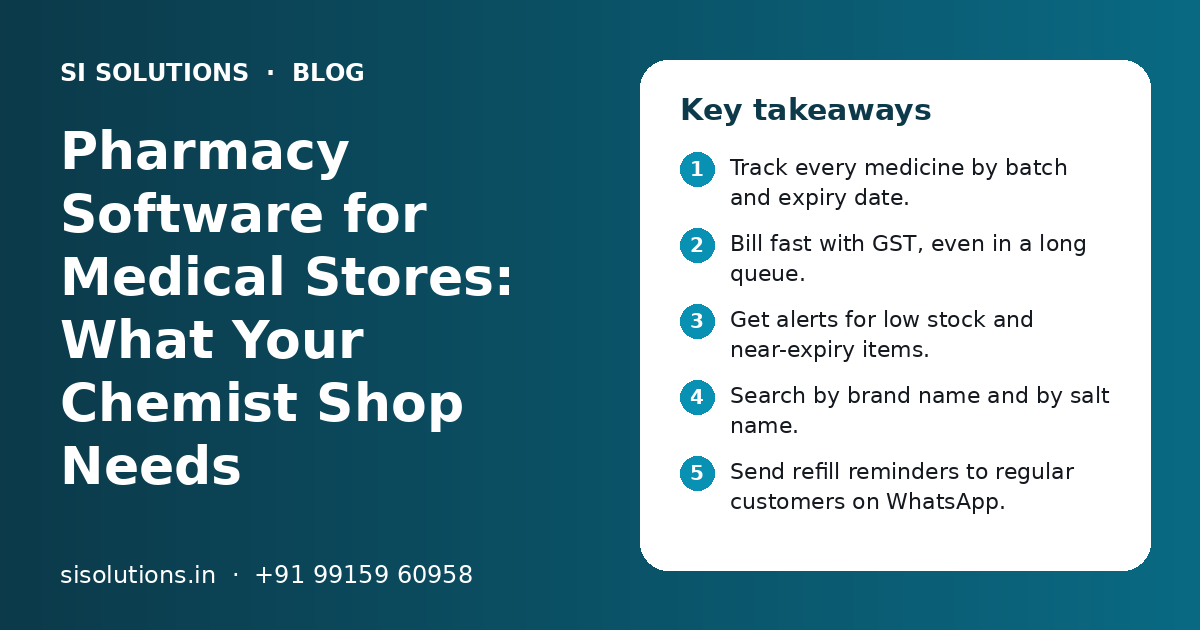
Key takeaways
- Track every medicine by batch and expiry date.
- Bill fast with GST, even in a long queue.
- Get alerts for low stock and near-expiry items.
- Search by brand name and by salt name.
- Send refill reminders to regular customers on WhatsApp.
- Back up your data every day.
What is pharmacy software for medical stores?
Pharmacy software for medical stores is a billing and stock system made for chemist shops. It handles GST bills, tracks each medicine by batch and expiry date, shows stock levels and helps you reorder from distributors on time.
A general shop can often manage with basic POS billing software. A medical store needs more. The same tablet can come in several batches with different expiry dates and prices. Customers ask for a brand that is not in stock, and staff need to find another brand with the same salt. Regular patients buy the same medicines every month.
Software made for pharmacies handles these needs. It saves time at the counter and cuts losses from expired stock.
Which problems does a chemist shop face without the right software?
Without the right software, chemist shops often face expired stock on shelves, missed reorders, slow billing in rush hours, wrong stock figures and no record of what regular customers buy.
- Medicines expire on the shelf because no one checked dates in time
- Fast-moving items run out and customers go to the next shop
- Staff cannot find a medicine quickly, so the queue grows
- Purchase bills from distributors are entered late or not at all
- Stock in the system does not match the shelf
- No easy way to know which customers buy monthly medicines
- Cash and UPI totals at day end do not match the billing record
Each of these costs money or customers. Most of them come from one root cause: stock and sales are not recorded batch by batch, at the time they happen.
What features should medical store billing software have?
Medical store billing software should have GST billing, batch and expiry tracking, purchase entry, stock alerts, salt-based search, customer history, payment records and reports. The table shows what each feature does for your shop.
| Feature | What it does | Why it matters for a chemist |
|---|---|---|
| GST billing | Makes bills with HSN code, GST rate and tax split | Correct bills and easier GST filing |
| Batch and expiry tracking | Records batch number, expiry date and MRP for each purchase | Sells older stock first and flags expired items |
| Purchase entry | Records distributor bills with batch, quantity, rate and free items | Keeps stock and costs correct |
| Stock and reorder alerts | Shows items below a set level | Fewer lost sales from empty shelves |
| Salt or composition search | Finds medicines by salt name, not only brand | Faster help when a brand is not in stock |
| Customer history | Stores what each regular customer buys | Quick repeat bills and refill reminders |
| Payment records | Splits sales by cash, UPI, card and credit | Easy day-end match |
| Returns and expiry returns | Records returns to distributors and from customers | Clear record of credit notes due |
| Reports | Sales, margin, expiry, slow-moving and purchase reports | Better buying decisions |
Features that are nice to have
- Barcode scanning at billing and purchase
- Bills in Hindi, Punjabi or another local language for customers
- Home delivery order tracking
- Multi-branch stock view for owners with more than one shop
- Link with an online order page or app
How does batch and expiry tracking work in a pharmacy?
Each time you buy stock, the software records the batch number and expiry date. At billing, it picks the batch that expires first and warns you about items that are close to expiry.
- 1
Enter purchases with batch details
When stock arrives from a distributor, enter the batch number, expiry date, MRP, rate and quantity for each item. Some software can import the distributor's bill file to save typing.
- 2
Sell the earliest expiry first
At billing, the software suggests the batch that expires first, so older stock moves before newer stock.
- 3
Check the near-expiry report
Every week or month, run a report of items expiring in the coming months. Move them to the front, return them to the distributor if allowed or plan offers where suitable.
- 4
Block expired items
Set the software to stop or warn when someone tries to bill an expired batch.
- 5
Record expiry returns
Enter items sent back to distributors so you can follow up on credit notes.
Batch tracking only works if every purchase is entered the same day, with the right batch. A clear purchase entry routine matters more than any single feature.
How should a medical store manage stock and reorders?
Set a minimum stock level for each fast-moving item, let the software show what is below that level and make a purchase order to your distributors from that list. Review the levels every few months.
Medical stores have thousands of items, but a smaller group sells every day. Focus on these first. Set their minimum levels based on how much you sell in a normal week and how long your distributor takes to deliver.
| Item type | How to manage it | Review |
|---|---|---|
| Daily fast movers | Set minimum levels and reorder daily or as per distributor visit | Every month |
| Monthly medicines for regular patients | Use customer history to know expected demand | Every month |
| Seasonal items | Raise levels before the season and lower after | Before each season |
| Slow movers | Keep low stock or order on demand | Every quarter |
| Near-expiry stock | Sell first, return if allowed, stop reordering | Every week |
A good inventory management solution also helps you count stock by rack or shelf and fix mismatches. Do a small count of a few racks every week instead of one big count a year.
Need help with your project?
Talk to the SI Solutions team. Free first call, simple advice, clear quote.
How can UPI and WhatsApp help a chemist shop?
UPI makes payments quick and easy to record, and WhatsApp lets you send refill reminders, order updates and bills to regular customers. Both work best when they are linked to your billing software.
UPI and payments
Most customers pay by UPI today. Record the payment mode on every bill so that your day-end report splits cash, UPI and card. Some systems can show a payment QR on the bill or send a payment link for home delivery orders. Our page on payment gateway integration explains how online payments can link with billing.
WhatsApp reminders and updates
- A refill reminder a few days before a regular customer's medicines run out
- A message when an out-of-stock item has arrived
- A copy of the bill sent on WhatsApp instead of paper
- Home delivery updates with the delivery person's details
- Messages in the language the customer prefers
Use an official business number, not a staff member's phone. Send only useful messages, and only to customers who agree to receive them. Our WhatsApp marketing solution covers how to set this up properly.
Cloud or offline software: which is better for a medical store?
Offline software keeps working when the internet is down, which matters at a busy counter. Cloud software lets the owner see sales and stock from anywhere and is easier to back up. Many shops choose a system that bills offline and syncs to the cloud.
Offline (installed on the shop computer)
- Billing works without internet
- Fast on a good local computer
- Data stays inside the shop
- Familiar to many chemists
Cloud (runs online)
- Owner can check sales and stock from a phone
- Easier to run more than one branch
- Backups and updates happen without much effort
- Needs a stable internet connection or an offline mode
Whatever you choose, back up your data every day. A failed hard disk can wipe out years of purchase and customer records. Our data backup solution page explains simple ways to keep a daily copy safe.
How do you choose the right software for a medical store?
Choose software that fits how your shop actually works: your number of items, counters, branches, staff and distributors. Ask for a demo with your own items and test billing speed before you buy.
- Can it track batch number and expiry date for every item?
- Does it make correct GST bills with HSN codes?
- Can staff search by both brand and salt name?
- How fast is billing when the queue is long?
- Can it import distributor bills or does staff type them in?
- Does it work offline if the internet goes down?
- Can it send bills and reminders on WhatsApp?
- How are daily backups done, and who checks them?
- Can you add a second counter or branch later?
- Who gives support when the system stops in the middle of the day?
- Can you export your data if you change software later?
Also read our list of questions to ask before buying business software. Support matters a lot. A medical store cannot wait days for help when billing stops.
How do you set up pharmacy software in a medical store?
Set up in stages: load your item master, enter opening stock by batch, train staff, run old and new systems side by side for a short time and then switch fully. Do not rush the opening stock entry.
- Collect your item list with brand, salt, pack size, HSN code and GST rate.
- Import or enter the item master into the new software.
- Count opening stock rack by rack, with batch and expiry for each item.
- Add distributor and regular customer details.
- Set minimum stock levels for fast movers.
- Train counter staff on billing, returns and day-end closing.
- Train the purchase person on entering distributor bills.
- Run both systems for a short time, then switch fully.
- Set up daily backup and check that it works.
Plan the stock count for a quiet day, or count in parts over a week. The quality of your opening stock decides how useful the software will be for months.
What affects the cost of pharmacy software?
Cost depends on the number of counters and users, number of branches, cloud or offline setup, how much data must be moved, extra features like WhatsApp and online orders, hardware needs and the support level you want. You get a clear quote after a free call.
SI Solutions is backed by our parent team, Shivah Web Tech, with 11+ years of experience and 500+ projects, working from Mohali, Punjab. We set up ready software for shops and other businesses across India. See our industry specific IT solutions, or book a free call to talk about your medical store.
Frequently Asked Questions
Can I use normal billing software for my medical store?
You can, but it is often not enough. Normal billing software may not track batch numbers and expiry dates, search by salt name or handle expiry returns to distributors. These are daily needs in a chemist shop. Software made for pharmacies, or billing software set up with these features, saves time and cuts losses from expired stock.
Does pharmacy software help with GST filing?
Good pharmacy software makes GST bills with the right tax rate and HSN code and gives sales and purchase reports that your accountant can use for filing. Some systems can export data in a format your CA prefers. It does not replace your accountant, but it makes their work faster and more accurate.
How does software warn me about medicines that are about to expire?
When you enter purchases with batch and expiry dates, the software can list items that will expire in the coming weeks or months. Run this report regularly. Many systems also show a warning at billing if a batch is close to expiry and can block billing of expired batches.
Will pharmacy software work if the internet goes down?
Offline software works without internet because it runs on the shop computer. Cloud software needs internet, but many cloud systems have an offline mode that keeps billing going and syncs later. Ask about this before you buy, because a medical store cannot stop billing during a busy hour.
How long does it take to start using pharmacy software?
A small medical store can often start within a few days to a couple of weeks. The main work is entering the item list and counting opening stock with batch and expiry details. Billing training is usually quick. Larger stores or chains with more branches and more items need more time.
Can I send WhatsApp reminders to customers for monthly medicines?
Yes. If the software stores what each regular customer buys, it can send a refill reminder before their medicines run out. Use an official business number and only message customers who agree to it. Keep messages short and useful, such as a reminder or a note that their medicine is ready.
Is cloud software safe for storing customer and medicine data?
Cloud software can be safe if the provider uses secure logins, separate user accounts, limited access by role and regular backups. Ask who can see your data, where it is stored and how you can export it. Avoid sharing one login among all staff, and change passwords when someone leaves.
What should I check before switching from my old software?
Check that you can export your item list, customer list and pending distributor returns from the old system. Plan a fresh stock count with batch and expiry details. Run the new software alongside the old one for a short time. Confirm support hours and backup before you switch fully.