Quick answer
What does software for salons and spas do?
Software for salons and spas runs the daily work of the business in one place. It books appointments by service and staff, keeps client history, makes GST bills, takes UPI and card payments, sends WhatsApp reminders, manages memberships and packages, tracks product stock and shows staff sales and commission. It should be simple for front desk staff to use.
Key takeaways
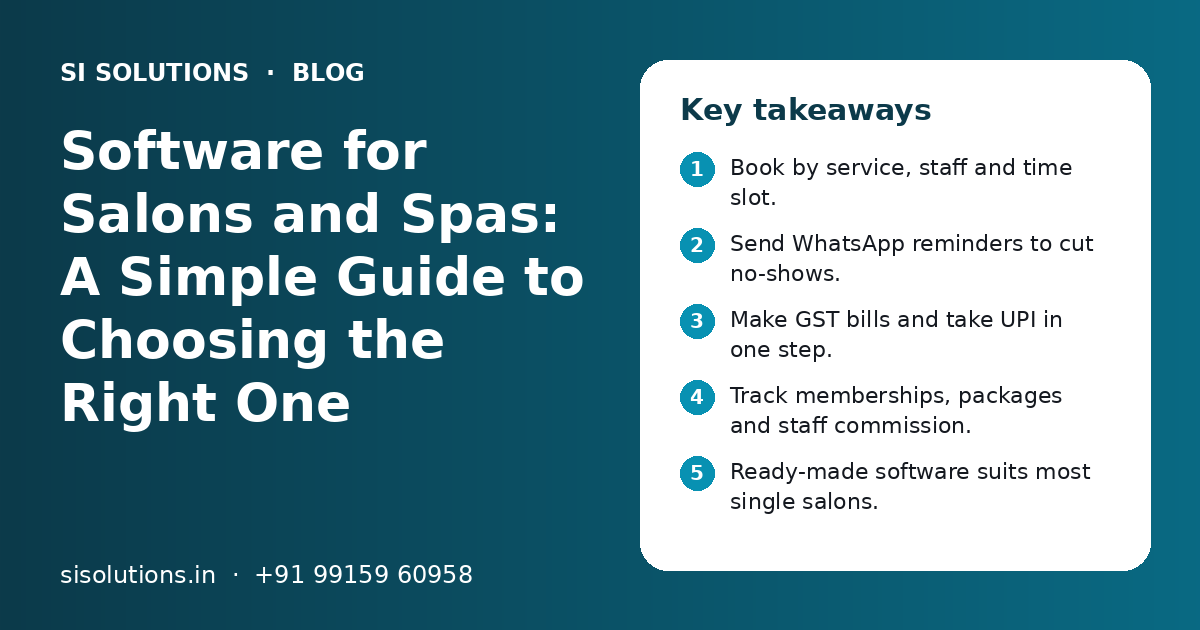
- Book by service, staff and time slot.
- Send WhatsApp reminders to cut no-shows.
- Make GST bills and take UPI in one step.
- Track memberships, packages and staff commission.
- Ready-made software suits most single salons.
- Ask about data export before you sign.
What is software for salons and spas?
Software for salons and spas is one system that handles bookings, billing, clients, staff and stock. It replaces the appointment diary, the bill book and the scattered client notes on staff phones.
It is used by hair salons, unisex salons, beauty parlours, spas, nail studios and barber shops. Most tools work on a computer, tablet or mobile phone.
The main goal is simple. Fill more slots, bill correctly and bring clients back. Good software does this without adding extra work for your front desk.
Which features should salon and spa software have?
At the least, it should handle appointments, client records, GST billing, payments, reminders, memberships, staff and stock. Reports for the owner tie these together.
| Feature | What it does | Why it matters |
|---|---|---|
| Appointment calendar | Books by service, staff member, room or chair and time | Stops double bookings and shows free slots |
| Online booking | Clients book from a link, website or Instagram profile | Takes bookings even when the desk is busy |
| Client profiles | Visit history, services, products, notes and preferences | Any staff member can serve a regular client well |
| GST billing | Bills for services and products with correct tax details | Clean records for your accountant and GST returns |
| Payments | UPI, cards, cash, wallet balance and split payments | Faster checkout and fewer cash errors |
| WhatsApp and SMS messages | Booking confirmations, reminders, birthday wishes, follow-ups | Fewer no-shows and more repeat visits |
| Memberships and packages | Prepaid plans, service packages, gift cards, loyalty points | Tracks balances so clients and staff trust them |
| Staff management | Shifts, attendance, sales by staff and commission | Fair, quick commission working at month end |
| Inventory | Stock of retail products and products used in services | Fewer stock-outs and less waste |
| Reports | Daily sales, top services, staff sales, client return rate | Owner sees the business without asking anyone |
You may not need every feature on day one. A small parlour may only need bookings, billing and reminders. A large spa may need rooms, therapists, packages and many branches. If you mainly need bookings across many types of business, our online appointment booking system page explains that part in detail.
How does salon software handle appointments and reminders?
It shows a calendar by staff and time, blocks the right length for each service and sends confirmations and reminders on WhatsApp. This cuts double bookings, empty gaps and no-shows.
Booking by service, staff and time
Each service has a set time, such as a haircut, a facial or a full body massage. When the desk books one, the software blocks that time for the chosen staff member and room. If a stylist is on leave, their slots are closed. Walk-in clients can be added to the same calendar, so everyone sees the true picture.
WhatsApp confirmations and reminders
Most clients in India read WhatsApp messages quickly. Good software sends a confirmation when the booking is made and a reminder before the visit, with an easy way to confirm or change the time. It can also send a thank-you note after the visit and a gentle message when a client is due for their next service.
Message only clients who have agreed to hear from you, and follow WhatsApp's own rules for business messages. Our WhatsApp marketing solution covers templates, opt-ins and sending at scale.
How should salon billing work with GST and UPI?
Billing should take the services and products straight from the appointment, add GST correctly, take UPI or card payment and send a bill on WhatsApp. The desk should not have to type anything twice.
At checkout, the staff opens the client's visit, adds any extra service or product and applies a membership or package if there is one. The software works out the tax, the total and the commission for each staff member who served the client.
- GST bills with your GSTIN, client details where needed and correct tax split
- Separate lines for services and retail products
- UPI QR code or payment link, plus card and cash
- Split payment, for example part wallet balance and part UPI
- Discount limits, with manager approval for large discounts
- Bill sent on WhatsApp or SMS instead of printing
- Day-end cash and UPI report to match with the bank
Discount and bill-delete controls matter. Without them, bills can be changed after the client leaves. Our POS billing software page explains how to control cash, discounts and deleted bills at the counter. For online prepayment of bookings or packages, see payment gateway integration.
How do memberships, packages and staff commission work?
The software keeps a balance for each membership or package and reduces it on every visit. It also links each service and product sale to the staff member, so commission is worked out automatically.
Memberships and packages
Many salons and spas sell prepaid plans, such as a set number of sessions or a wallet balance with extra value. On paper, these are hard to track. Clients and staff argue about how many sessions are left. Software shows the exact balance, the expiry date and every past use, and the client can get it on WhatsApp.
Staff, shifts and commission
Staff are the heart of a salon. Software records shifts and attendance, shows who is free, and tracks sales by each person. You set the commission rules, such as a share of service sales or a fixed amount per product sold. At month end, the commission report is ready without manual counting. If you have a larger team, our HRM software solution can handle payroll and leave as well.
Product stock
Salons use products in two ways: sold to clients and used during services. Good software tracks both, warns you when stock is low and helps you see which products are used most. For a bigger setup with a central store, see our inventory management solution.
Need help with your project?
Talk to the SI Solutions team. Free first call, simple advice, clear quote.
Ready-made vs custom salon software: which is better?
Ready-made software is better for most single salons and small chains, because it is quick to start and easy to learn. Custom software makes sense when you have many branches, a franchise model or a way of working that ready tools cannot follow.
| Point | Ready-made salon software | Custom-built software |
|---|---|---|
| Start time | Days, after setup and data import | Weeks to months, based on scope |
| Fit to your process | You follow its way of working | Built around your way of working |
| Cost pattern | Monthly or yearly subscription | Build cost plus support and hosting |
| Changes | Only what the vendor offers | You decide what to add and when |
| Data ownership | Check export rules in the contract | Your data on your chosen server |
| Best for | Single salons, spas and small chains | Large chains, franchises, special workflows |
Many businesses start with ready-made software and move to custom only when they grow. Another path is to keep a ready tool and connect it to your website, accounts or CRM. Our post on ready-made vs custom software compares these choices for any business.
How do you choose software for your salon or spa, step by step?
Write down your daily work, list must-have features, shortlist a few options, try them with real bookings and check support and data export. Then plan the switch for a quiet day.
- 1
List your daily work
Note how you book, bill, collect payment, track packages, pay commission and order stock today. Mark the steps that cause the most trouble.
- 2
Separate must-haves from nice-to-haves
Must-haves might be GST billing, WhatsApp reminders and package tracking. Nice-to-haves might be an app for clients or loyalty points.
- 3
Shortlist two or three options
Look for software built for salons and spas, with support in your language and hours.
- 4
Test with real cases
In a demo or free trial, book a busy Saturday, bill a package client and run a commission report. See how many clicks each takes.
- 5
Check data and support
Ask how you can export your client list and bills, where data is stored and how fast support replies.
- 6
Plan the switch
Import client data and packages, train the front desk and stylists, and go live on a slower day of the week.
Involve your front desk staff in the trial. They use it all day. If they find it slow, they will go back to the diary.
Which questions should you ask a salon software provider?
Ask about features you need, GST billing, WhatsApp rules, data export, support, branches and what affects cost. Get the answers in writing before you sign.
- Can it book by staff, room and service length?
- Does it make GST bills that my accountant can use?
- Can clients pay by UPI, card, cash and wallet balance on one bill?
- Does it send WhatsApp reminders through official business messaging?
- How does it track memberships, packages and expiry dates?
- Can I set my own commission rules?
- Can I export all my client and billing data at any time?
- Does it work if the internet goes down for a while?
If you are comparing several business tools, our post on questions to ask before buying business software gives a wider checklist.
What mistakes should salon owners avoid with software?
The common mistakes are choosing on price alone, skipping staff training, not importing old package balances and not checking data export. Each one causes trouble in the first few months.
Do this
- Test with your real busiest day
- Import client list and package balances before go-live
- Train every person who will use it
- Set discount and bill-delete rights by role
- Review reports every week
Avoid this
- Buying on the lowest price only
- Running the diary and software side by side for months
- Sharing one login for all staff
- Sending offers to clients who did not agree
- Signing without a data export clause
How can SI Solutions help your salon or spa?
We help you choose, set up and connect salon and spa software, or build a custom system when ready tools do not fit. We also handle data import, WhatsApp setup and staff training.
Needs review
We map your bookings, billing, packages and staff rules.
Setup and import
Services, prices, staff, clients and package balances loaded correctly.
Connections
WhatsApp, UPI payment links, website booking and accounts.
Custom builds
For chains and franchises that need their own system.
SI Solutions is powered by Shivah Web Tech, with 11+ years of experience, a 25+ in-house team and 500+ projects. Our parent team is a Google Partner and Meta Business Partner. We work from Mohali, Punjab, Mon–Fri 9:30–6:30 IST. See more of our industry solutions or book a free call to discuss your salon or spa.
Frequently Asked Questions
Do small salons really need software?
Even a small salon with two or three chairs gains from simple software. It stops double bookings, sends WhatsApp reminders, makes GST bills and keeps client history in one place. You do not need many features. Start with bookings, billing and reminders, and add packages or stock tracking later as the salon grows.
Can clients book salon appointments online by themselves?
Yes. Most salon and spa software gives a booking link you can share on WhatsApp, Instagram, Google Business Profile or your website. Clients pick a service, staff member and time, and the booking lands in the same calendar the desk uses. You can choose which services are open for online booking.
Is salon software the same as normal billing software?
No. Normal billing software makes bills and tracks stock. Salon software also books appointments by staff and time, keeps client history, tracks memberships and packages, sends reminders and works out staff commission. If you only use billing software, bookings and packages still sit in a diary or a register, which causes errors.
Can salon software send WhatsApp reminders automatically?
Yes, many tools can send booking confirmations and reminders on WhatsApp without staff typing them. For automatic sending, the software usually connects through official WhatsApp business messaging with approved templates. Ask the provider how messages are sent and how message costs work, and only message clients who agreed to hear from you.
How long does it take to set up salon software?
Ready-made salon software can usually be set up within a few days. The time depends on how many services, staff and branches you have, and how clean your old client and package data is. Plan one or two days for staff training. Custom software takes longer and depends on the agreed scope.
Can one software manage many salon branches?
Yes, many salon tools support more than one branch. Each branch has its own calendar, staff and stock, while the owner sees combined sales and reports. Check that clients and memberships can be used across branches if you need that, and that branch managers only see their own branch data.
What affects the cost of software for salons and spas?
Cost depends on the number of branches, staff logins, features such as online booking and packages, WhatsApp message volume, custom reports, integrations with accounts or your website, and data import work. Ready-made tools usually charge a subscription, while custom software has a build cost plus support. You get a clear quote after a free call.